You need each player’s jersey and pant size, the name to print on the back, their jersey number choices, and one parent contact. Leave out birthdates, addresses, school names, photos, and medical notes.


Sometimes you think you can manage and say yes to handling the team’s uniform order, and within a day the group chat is full of sizes, nicknames, jersey numbers, and one parent’s screenshot of the whole roster with every child’s birthday and school on it. It’s possible that it contains a lot of children’s information floating around a chat that half the parents have forwarded to grandparents.
Ordering uniforms for a youth baseball team doesn’t have to take any personal information. By planning and strategizing, you can collect sizes and design choices, keep families updated, and place the order without spreading kids’ details across apps, inboxes, and phones.
The order needs far less information than most rosters hold, so begin by writing down exactly what the uniform maker and the team will use. Anything not on that list stays out of your form.
For most youth uniform orders, that list is tiny:
Leave out birthdates, home addresses, school names, photos, and medical notes. The league may require some of those for registration, but your uniform order doesn’t. The FTC’s guidance for businesses puts it simply: keep only what you need. The same habit works well for a volunteer managing a team of eight-year-olds.
Use a first name and last initial to identify each player in your records, unless the complete name is going on the back of the jersey. That one shift keeps a lost spreadsheet from being much use to anyone else.
Choose one place for families to submit sizes and choices, and close every other channel. When details arrive by text, chat, email, and on scraps of paper at practice, duplication ends up everywhere, and mistakes creep in.
Collect every detail through one short form. An online form works well because each family views only its own answers, and the responses land in one sheet you control. Keep the form and match it exactly to your Step 1 list. If a question isn’t required for the order, delete it.
Tell families in your first message that the form is the only way to submit data, and ask them not to post sizes or numbers in the group chat. Most parents will happily follow a good instruction. If someone replies with their child’s information anyway, thank them and add the information to the form yourself.
The finished roster should be visible to as few people as possible, mostly you and one backup volunteer. Share the roster with only the people placing the order, and give everyone else what they require in a different form.
Shared documents make this easy to get incorrect. One “anyone with the link can edit” setting, and the roster is open to whoever that link reaches.
Set the response sheet so only you and one named backup can modify it. A backup matters, because the order shouldn’t stall if you’re sick the week it’s due, but more editors means more chances for an accidental shift or share.
When the coach asks how many medium jerseys are there on the list, send a count, not the sheet. A summary such as “4 youth small, 6 youth medium, 2 youth large” answers the question without passing around names.
The account that holds the roster should be well protected. CISA describes that multifactor authentication prevents unauthorized access to your data by requiring a second method of verifying your identity. Switch it on for the email account linked to your form and spreadsheet before you send the first link.
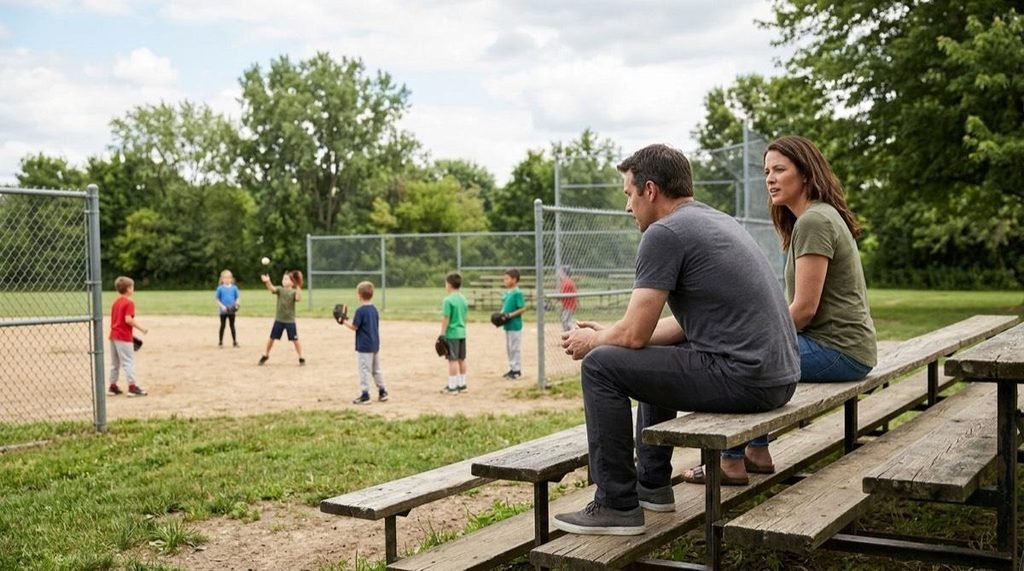
Printing a child’s name on a jersey on the field, in-game photos, and on social media posts from every proud relative. Ask families before you assume a complete surname is fine.
Give each family an easy choice on the form: full surname, a nickname or initials, or no name at all. Some parents have good reasons to keep their child’s name off public view, and they shouldn’t have to tell the team.
The same goes for numbers and photos. Do ask before posting a picture of the team in the new uniforms with names visible, and agree as a team where photos will be shared. A private team album is a safer default than a public post.
Top Tip: Add a short line under the name question on your form, such as “Pick no name if you’d prefer not to have your child’s name printed. No reason needed.” Families who want privacy can choose it quietly, and nobody has to raise the subject in front of other parents
The design is the fun part, and families enjoy a say in it. Run the design vote as an easy poll with two or three options, so everyone can select without the group chat turning into a debate.
Once the design is settled, evaluate every detail against the master roster before you order. When you pick a maker, look for one that has you approve a digital proof before production starts, as with custom baseball uniforms from Sports Gear Swag, so you can compare every printed name and number with what families agreed to. Read the proof line by line against the roster, and make sure no name appears for a player whose family decided to leave it off.
Ask your backup volunteer to evaluate the proof too. A second pair of eyes catches the swapped number or misspelled name that you’ve read past three times.
Order updates can go to the complete team without any personal details at all. Post the order date, the expected delivery week, and the plan for handing out uniforms, and leave names and sizes out of it.
At handout, call each player by first name and give them their bag, instead of taping a list of names and sizes to the dugout fence. Then deal with the information. When every family has its uniform:
Delete what you no longer need within a few weeks of delivery. Next season’s volunteer can start fresh with a new form, and last season’s information isn’t sitting in anyone’s inbox.
Organizing a youth team’s uniforms well is actually about saying no to information you don’t need. A short form and a locked-down roster will include most of it.
Begin tonight: open a new form, add only the four questions from Step 1, and set it so only you can see the responses. Send the link to families tomorrow with one instruction, and you’ll have good data and far less children’s information floating around.
You need each player’s jersey and pant size, the name to print on the back, their jersey number choices, and one parent contact. Leave out birthdates, addresses, school names, photos, and medical notes.
Give edit access to only you and one backup volunteer, and send counts or summaries instead of the full sheet. Turn on two-step sign-in for the account that holds the roster.
Ask each family first and offer a choice of full surname, nickname, initials, or no name. Families who prefer privacy should be able to choose no name without giving a reason.