Ans. 12-14 years of age is considered good to give a kid their first phone.

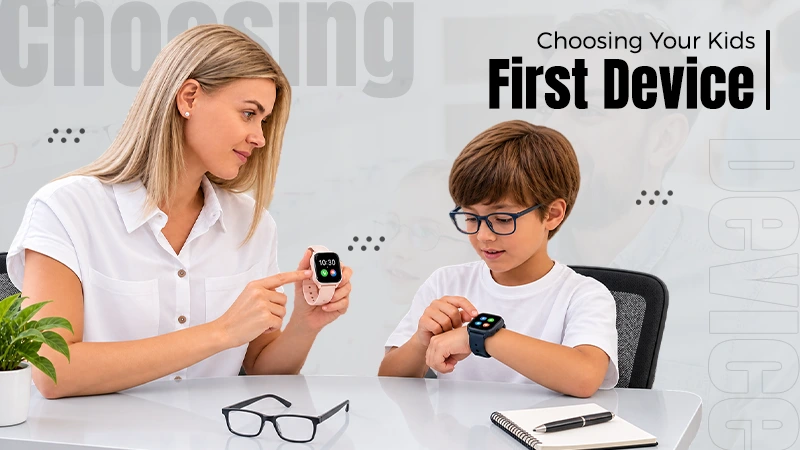
If you have ever purchased things for your child for the first time, you can feel how confusing it is, right? The same happens when you shop for their first tablet, smartwatch, or streaming device; it is more complicated than it seems. And trust me, it is easy to compare the same specs you would look at when buying tech for yourself, such as processing power, screen resolution, storage, or camera quality.
But the thing with kids is they often need something different. For them, the fastest or most advanced device is not always the best choice. And if these devices are going to be their first, it is important that its durable, battery life is good, simple controls are there. Parental control settings and ease of use often matter much more than high-end specs.

Kids drop things and drinks spill. Devices get scratched in backpacks, left on couches, carried around the house, or used while travelling.
That’s the reason that durability is one of the first things worth checking.
A tablet with a slightly slower processor but a strong case may last much longer than a more costly model with better internal specs. Check the build quality, screen protection, and whether protective cases are easy to find.
It is also important to read reviews from parents who have used the device with children. These can tell you more about how well a device manages everyday wear than the product page can.
You do not necessarily need the best option. You need something that can manage normal kid use without becoming an expensive repair after the first accident.
Battery life is the next practical feature that can make a big difference.
A device that lasts through a school day, road trip, or afternoon of entertainment means less time thinking about chargers. This is actually important for smartwatches and location trackers that need to stay powered when your child is away from home.
The interface should also be easy. Younger kids often do not need complicated menus or dozens of extra features. Clear navigation and easy access to the main apps can make the device much simpler to use.
For a kids’ smartwatch or tracker, try on the basics first.
Good location tracking, strong connectivity, good battery life, and an easy parent app are more useful than a long list of extra features.
If the main reason you are buying the watch is to stay in contact with your child or check their location, those functions should work efficiently. Games, cameras, and fitness features can be useful, but they matter less if the battery cannot make it through the day or the location information is inaccurate.
It is also worth checking how simple the parent app is to use. Features such as approved contacts, school modes, location history, and alerts can be useful, but they should be easy to manage.
If you are buying a tablet or streaming device, look at the parental controls before you buy.
Check options that make it easy to limit apps, restrict content, manage screen time, block purchases, and create child profiles. Good parental settings can save a lot of worries later.
The controls should also be easy for parents to adjust. If every small change needs digging through complicated menus, managing the device can quickly become frustrating.
A dedicated streaming device may seem like a simple purchase, but parental controls are just as crucial here.
Picture quality and app selection matter, but families should also look at how easy it is to restrict content, create kids’ profiles, and avoid accidental purchases.
A streaming device with confusing parental settings can create extra work every time your child needs to watch something. A simpler system that makes it easy to control what is available may be more helpful than having every possible app or advanced display feature.
There are a lot of kids’ tech products available, and prices can differ widely even when the devices offer similar features.
Comparing a few options before buying can help you prevent paying more for features your child will never use. It can also help you scan differences in battery life, durability, parental controls, and ease of use that may not be obvious at first glance.
Resources like Tech Savings Guide offer buying guides and comparisons across tablets, wearables, streaming devices, and other family tech, making it easier to compare products based on the features that actually matter in everyday use.

Buying tech for your child is completely different from buying tech for yourself. You often do not need the fastest processor, the sharpest screen, or the longest list of features.
For a first device, try to look at what will make it practical to use every day. A durable design, strong battery life, simple controls, good connectivity, and useful parental settings will often matter much more than premium specs.
The best device is not actually the most advanced one. It is the one your child can use easily, you can handle without hassle, and that can handle everyday kid use.
Ans. 12-14 years of age is considered good to give a kid their first phone.
Ans. A streaming device with confusing parental settings can create extra work every time your child needs to watch something. A simpler system that makes it easy to control what is available may be more helpful than having every possible app or advanced display feature.
Ans. A device that lasts through a school day, road trip, or afternoon of entertainment means less time thinking about chargers. This is actually important for smartwatches and location trackers that need to stay powered when your child is away from home.