AI generates video by producing a sequence of frames that match your prompt and then enforcing consistency across time. Some systems plan motion and scene layout first, then render frames; others generate and refine frames directly.

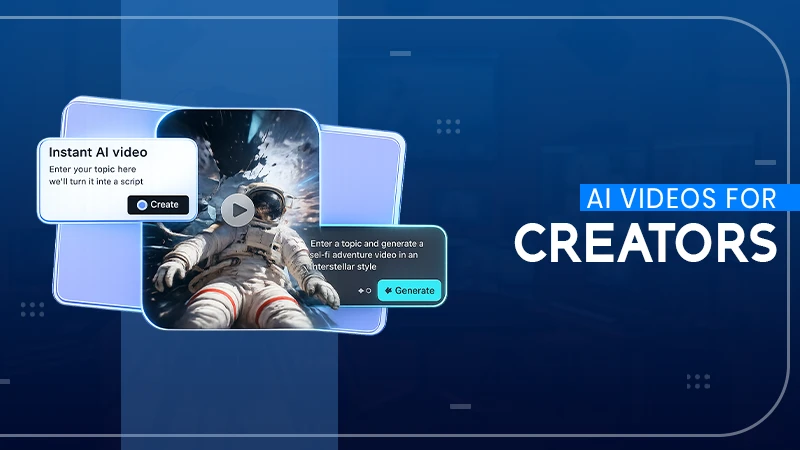
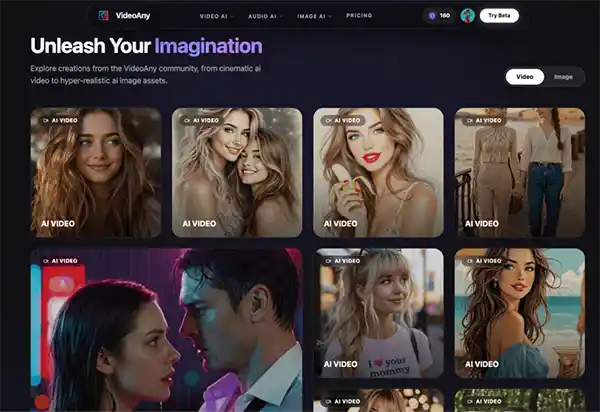
AI-powered video creation is an ever-evolving space that gives creators more control and flexibility than ever before. The “uncensored” AI video generators are a great opportunity for those exploring creative edges to dive into topics and styles that are often limited by typical platform filters.
This guide will help you navigate these tools, focusing on practical workflow considerations to generate consistent, high-quality output. The goal is not just to create video, but to build a reliable creative pipeline that leverages these powerful tools to go from idea to polished asset quickly and in control.
Think of it as building a robust AI video generator workflow, where each step contributes to your final vision.
Key Takeaways
- Understanding how to define your creative objective.
- Analyzing how to prioritize workflow over individual features.
- Assessing how to conduct controlled comparative testing.
- Discovering how to scrutinize beyond the demos.
See the tools before you lay out your destination. Is it a quick visual concept, a social media clip, a detailed character study, or a segment for a larger production? The fidelity, consistency and revision capabilities of the AI solution depend on your objective. Knowing this in advance will help you choose the best tools and prevent feature overload from clouding your real needs.
AI video creation is often a multi-step process of ideation, prompting, asset generation, refinement and export. The power of your workflow is the seamless flow between these steps. Each tool has great features, but if it causes a bottleneck or an inconsistency in your overall process, it doesn’t mean much. “It’s about how the generator fits into your existing creative suite and how fast you can iterate on ideas.”
Whether you are considering several platforms or approaches, whether hosted services or self-hosted solutions like Stable Video Diffusion with ComfyUI, don’t fall into the trap of seeing them as a simple shopping list. Instead, make a controlled test. Create one detailed brief, including the subject matter, the style and format you want, and the criteria for success. Run the same short by each shortlisted option. This consistent comparison shows not only raw output quality, but also workflow efficiency, prompt adherence and ease of revision, so you can get an idea of true practical performance.
Public demonstrations often showcase ideal scenarios. For projects requiring creative freedom, it’s crucial to look deeper. Evaluate a tool’s policy clarity regarding content generation, its privacy posture, and its actual prompt pass rate for complex or nuanced inputs. Pay close attention to revision controls and the consistency of output across multiple attempts.
The true test of a “uncensored” generator is not that it can generate one remarkable image but that it can generate successive generations with consistency of quality and style, and its sensitivity to iterative refinements.
Many tools hide queue times, content restrictions or inconsistent results that only appear after a few times.
The best creative processes are those you can revisit and tweak without having to start from scratch. Document everything, including your prompts, source assets, specific settings, and even rejected versions. The documentation is so detailed that experimental trials turn into a repeatable production method. Iterate with small, measurable moves. Change one element of the prompt, swap one source image, or change one motion instruction at a time. This methodical approach makes it easier to understand and troubleshoot each revision.
Let us consider a “stop rule” for the iteration. Decide in advance how many rounds of testing/refinement you’ll do before making a directional decision. This avoids the endless generation and leads to clearer initial briefs. Once you have your stills, edits, or first clips ready, a final motion test using a tool like [Uncensored AI Video Generator](https://videoany.io/uncensored-ai-video-generator) can help you see if your idea moves well in terms of animation, pacing, and the next steps of publishing. Keep these workflow considerations in mind, and you’ll be ready to harness the full power of uncensored AI video generation to realise your wildest creative dreams.
Mastering uncensored AI video generation opens the door to limitless creativity and bold storytelling. Creators can experiment with unique visuals, cinematic ideas, and personalized content like never before.
When used responsibly, these tools help turn imagination into engaging digital experiences.
The real power of AI lies in blending human creativity with smart technology to create something meaningful. As AI video tools continue to evolve, creative projects will become faster, smarter, and more visually impressive.
In the end, success comes from using innovative thought while staying authentic to your creative vision.
AI generates video by producing a sequence of frames that match your prompt and then enforcing consistency across time. Some systems plan motion and scene layout first, then render frames; others generate and refine frames directly.
AI can take a still image and bring it to life as a short video by adding motion cues to the scene such as camera pans, slight character movement, or environmental effects.
Usually, you define the style of movement, speed and mood. Image-to-video works best with a clean source image and a simple motion request; complex transformations can result in distortions or flickering.
AI can turn text into short videos by translating the prompt into scenes, objects and movement. It’s generally better on simpler concepts, b-roll kind of shots, and stylised visuals, than it is on long narrative sequences. Describe the subject, setting, camera motion, duration, aspect ratio, what to avoid for better results, then make small prompt changes, and iterate.
Generation time depends on clip length, resolution, model load and number of variants you request. Simple short clips might take minutes but higher quality renders or multiple versions can take longer. Queue times can vary if a lot of users are generating at once. If speed is critical, cut time, reduce movement complexity, and start at lower resolution for rapid iteration.