No, Samsung devices support one active eSIM line and one physical SIM line simultaneously, or two eSIMs where only one is active at a time, depending on the model.

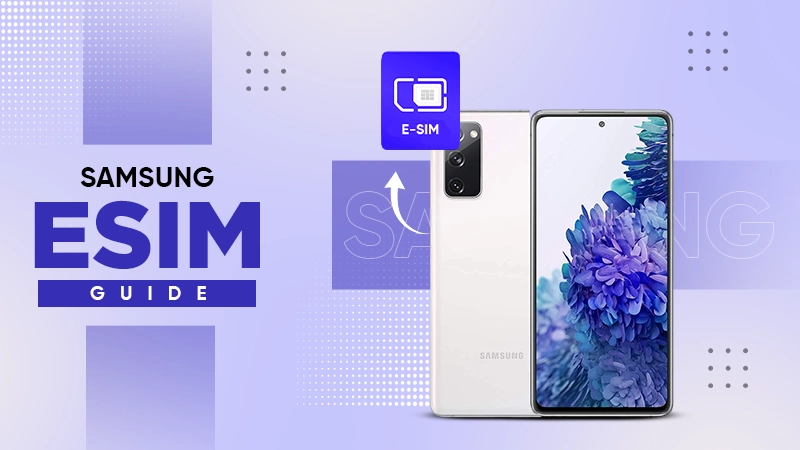
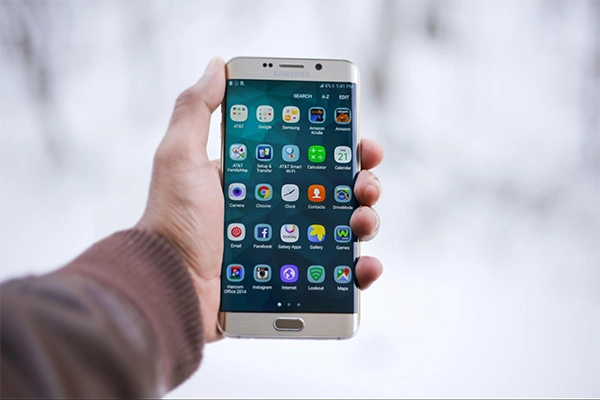
Samsung has built eSIM support into its premium lineup since the GalaxyS20 series launched all the way back in 2020. Today, more than a dozen Galaxy models, including the S, Z Fold, and Z Flip series, all function well with eSIM technology.
eSIM provides unmatched flexibility when travelling to different locations, allowing you to switch on the eSIM and enjoy the data benefits. But carrier restrictions in the US have historically complicated things, especially on Verizon devices.
This guide displays which Samsung phones support eSIM and how you can set up one comfortably.
Key Takeaways
- An eSIM (embedded SIM) is a digital SIM card implemented directly into a phone’s hardware. But unlike a physical SIM, it can’t be removed or swapped
- Models older than Galaxy S20, including the Galaxy S10 series and anything before 2020, do not support the functionality of eSIM
- Carrier-locked Samsung phones, especially older Verizon units, many times disable eSIM functionality through external software even when the hardware supports it
- Rather than searching for a local SIM card at the airport, travelers can simply download a data plan before departure and activate it when they reach their location
An eSIM (embedded SIM) is a digital SIM card implemented directly into a phone’s hardware. But unlike a physical SIM, it can’t be removed or swapped. Instead, a mobile plan is bought and activated with the assistance of specialized software, usually by scanning a QR code or installing a carrier application.
Samsung started integrating this technology in 2020 and in select flagship models, enabling users to activate a cellular plan without requiring a physical card.
Samsung Galaxy eSIM compatibility includes the following series, although specific carrier models may vary:
Models older than these, including the Galaxy S10 series and anything before 2020, do not support the functionality of eSIM.
Two reliable methods confirm whether a specific Samsung phone supports eSIM:
Carrier-locked Samsung phones, especially older Verizon units, many times disable eSIM functionality through external software even when the hardware supports it.
Unlocked models and the latest AT&T, T-Mobile, and Verizon devices from 2022 onward allow eSIM activation.
Fun Fact
By eliminating the manufacturing, packaging, and shipping of plastic cards, eSIMs significantly reduce electronic and plastic waste.
Activating a Samsung eSIM takes a few minutes:
Travelers benefit the most from Samsung’s eSIM capability. Rather than searching for a local SIM card at the airport or paying expensive international roaming fees, travelers can simply download a data plan before departure and activate it when they reach their location.
The phone retains its home number active on one slot while using a local or regional data eSIM on the other.
Companies like Holafly specialize in travel data plans that cover more than 160 destinations, providing unlimited options designed specifically for compatible devices.
This completely eliminates the requirement of swapping physical SIM cards or hunting for a local carrier shop abroad.

A few practical limits apply:
Can I use two eSIMs at once on a Samsung?
No, Samsung devices support one active eSIM line and one physical SIM line simultaneously, or two eSIMs where only one is active at a time, depending on the model.
Does the Samsung Galaxy A series support eSIM?
Most A-series models do not support eSIM. Samsung has reserved this feature primarily for the S, Z Fold, and Z Flip series.
Will my Samsung eSIM transfer to a new phone?
No, eSIM profiles must be re-downloaded and reactivated on a new device since they are tied to specific hardware (the EID).
What are the limitations of Samsung phones for eSIM?
A few limits apply:
No, Samsung devices support one active eSIM line and one physical SIM line simultaneously, or two eSIMs where only one is active at a time, depending on the model.
Most A-series models do not support eSIM. Samsung has reserved this feature primarily for the S, Z Fold, and Z Flip series.
No, eSIM profiles must be re-downloaded and reactivated on a new device since they are tied to specific hardware (the EID).
A few limits apply: