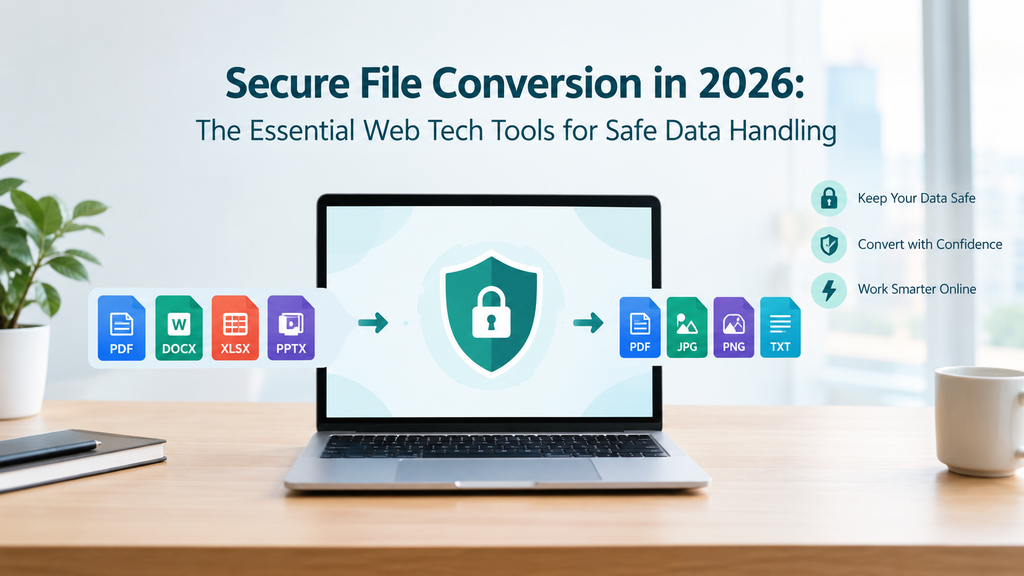
Secure file conversion in 2026 is no longer a hectic task because of the availability of multiple software solutions, such as Convertio, CloudConvert, PDFShift, and more. These solutions not only ensure file processing and conversion, but also ensure that your data stays protected.
For safe data handling, the essential web tech tools include browser-based file conversion, a secure cloud environment, HTTPS and TLS encryption, access management and password protection, and security audits. Follow along to learn more about secure file conversions and the essential web tech tools.
Secure file conversion is the process of transforming files from one format into another while protecting their confidentiality. For example, while converting a document into a PDF, the original document should not be exposed to an unauthorised party.
A secure file conversion tool must have:
Also Read: https://radarro.com/why-businesses-need-digital-signage/
The essential web tech tools for safe data handling include browser-based file conversion, a secure cloud environment, HTTPS and TLS encryption, access management and password protection, and security audits.
For safe data handling, a browser-based file conversion tool must process files directly on the user’s device instead of uploading them to a remote server. WebAssembly (WASM) converters run client-side files locally in the browser’s memory without uploading them to an external or third-party server. It:
| Important Note: For highly confidential documents, choose tools that clearly define their processing style. Select the ones that explain whether their conversion happens locally or provide evidence of their privacy practices. |
Processing large documents, batch conversions, or complex file formats may be susceptible to tampering or permanent loss, and this is why a secure cloud environment is essential. It ensures end-to-end encryption, access controls, and prevents data leaks or interception.
The key advantages include:
| Important Note: Read the privacy policy before using a browser-based converter and understand how long files remain available and whether the platform shares data with third-party service providers. |
HTTPS, powered by Transport Layer Security (TLS), protects information exchange between a user’s browser and website. When a file is uploaded for conversion, TLS steps in to prevent unauthorized parties from reading or modifying the data during transmission.
In simple words, it protects the files as they travel from the user’s browser to the website’s server for file conversion.
One of the most important web-tech tools for safe data handling is access management and password protection. It restricts unauthorised downloading and tampering of the uploaded or converted document. This is particularly beneficial while dealing with highly confidential reports, financial statements, or personal information.
For highly confidential documents, use strong passwords and avoid sharing the documents through publicly accessible links.
Identifying the bottlenecks before they become a major issue is important to evaluate the security controls and file processing systems. Regular security audits ensure security measures remain effective.
Convertio, CloudConvert, and PDFShift are the top 3 file conversion tools that you must try in 2026.
Here’s what you need to know about them:
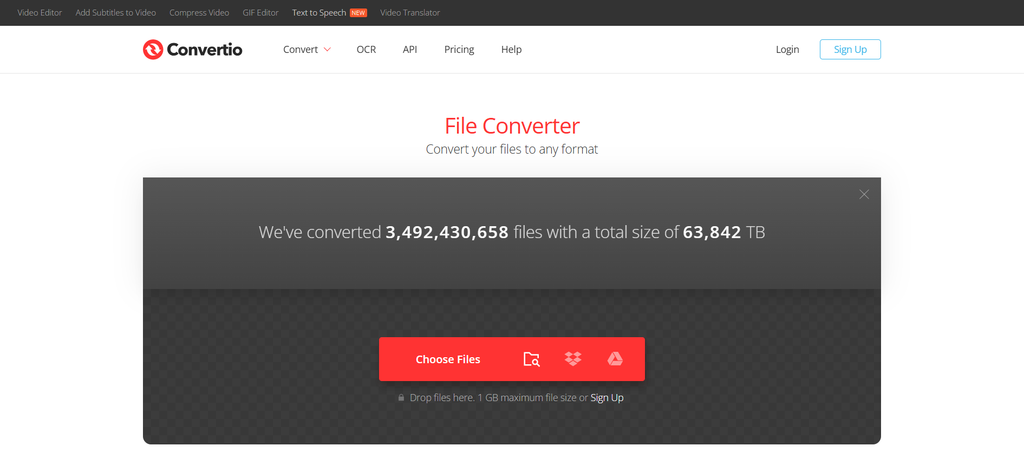
Snipped From: Convertio Homepage
Convertio Official Website is one of the best file conversion tools in 2026, widely known for its cloud conversion and 300+ file formats supported. It covers a wide range of file types, such as audio, video, image, document, font, e-book, presentation, and more. The best feature of this platform is that it supports custom settings and converts files within 1-2 minutes.
Key Features:
| Pricing Details | Starts at $6.99 per month |
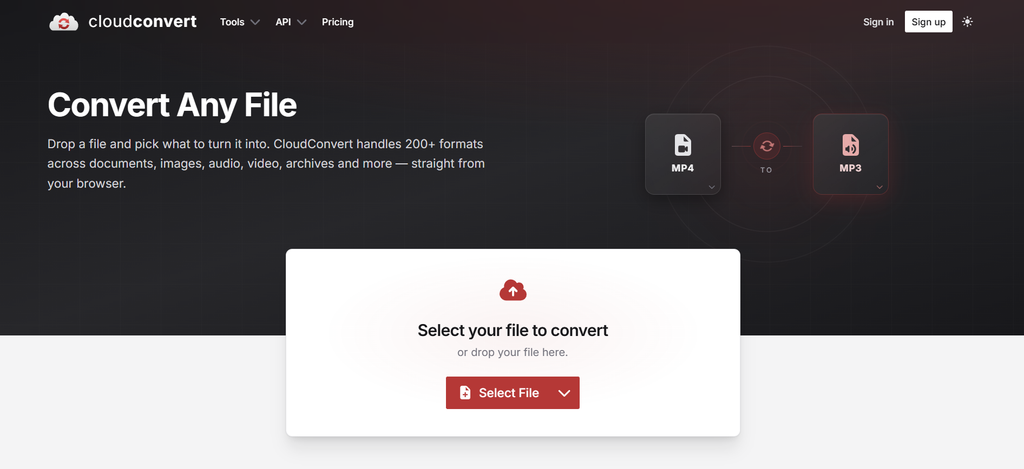
ALT: CloudConvert
Snipped From: CloudConvert Homepage
CloudConvert is yet another top choice for file conversion, supporting 200+ formats across documents, images, audio, video, archives, CAD drawings, ebooks, production media, etc. It offers advanced features like merging multiple files into a single PDF and extracting compressed files directly from cloud storage.
Key Features:
| Pricing Details | Starts at $17 Free Tier is also available |
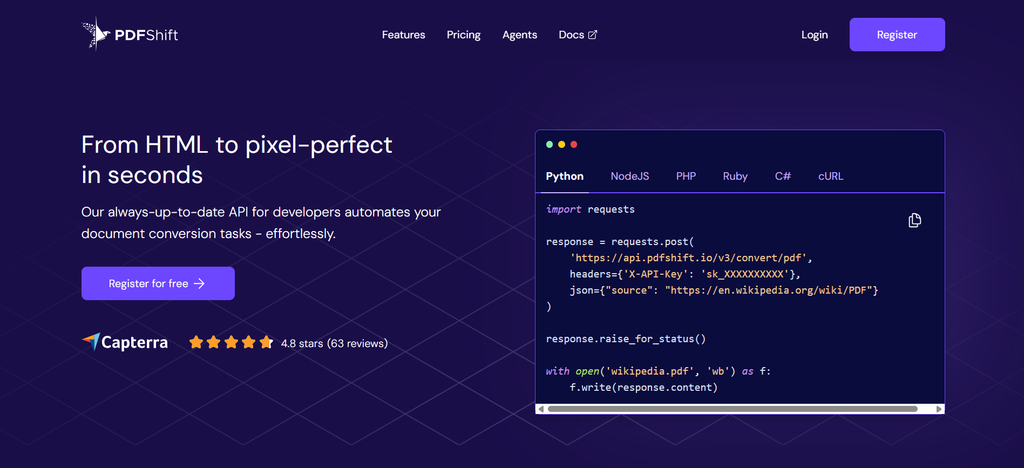
ALT: PDFShift
Snipped From: PDFShift Homepage
PDFShift is one of the best platforms to convert HTML documents from raw code or URLs to high-quality PDF versions. The standout feature of this platform is that it can generate a PDF from a webpage link within seconds. It features a robust focus on security and privacy by adhering to European GDPR standards and provides round-the-clock customer support.
Key Features:
| Pricing Details | Starts at $9 per month Free Tier is also available |
To sum up, the demand for secure file conversions is not limited to changing files from one format to another; rather, it’s about having reliable web technologies, including HTTPS and TLS encryption, access management and password protection, a secure cloud environment, and more. At the end, the right choice is the one that offers secure file conversion tools and responsible data-handling practices for a safer and more efficient digital workflow.
Q1. How can I convert files safely online?
Ans. To convert files online safely, use reputable platforms with HTTPS and TLS encryption, access management, password protection, and a secure cloud environment. For confidential documents, select one with clearly defined policies and evidence of safe data handling.
Q2. What is a secure file conversion?
Ans. Secure file conversion is the process of transforming files from one format into another while protecting their confidentiality.
Q3. What are the top file conversion tools?
Ans. Convertio, CloudConvert, PDFShift, Adobe Acrobat, and more are the best file conversion tools that are worth using in 2026.