QR codes are normally safe to scan, but some of them can redirect you to fraudulent websites or fake payment pages.

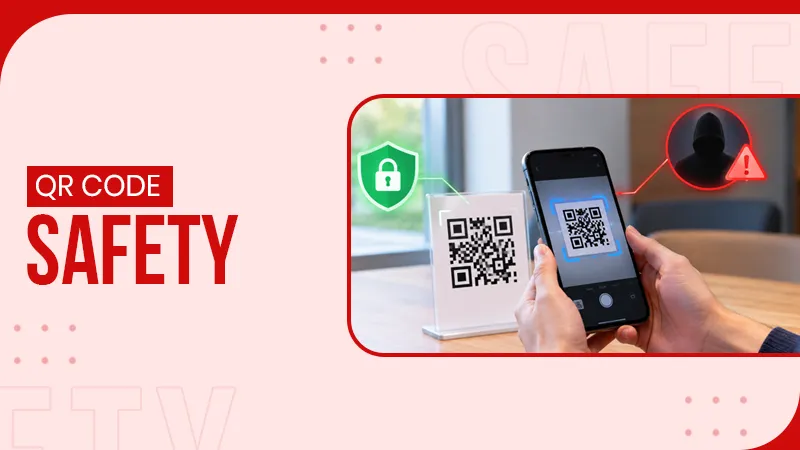
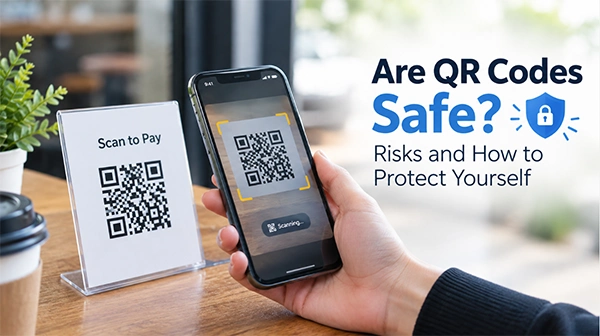
QR codes are very useful; with just a scanner, they can direct users to make a payment, transfer information, or visit a webpage. But assuming all QR codes are safe to scan is not good. Some of them can empty your cash reserves with the data from your device.
But there are a few things you can do to ensure a QR code is not a scam. Here are the risks and safety considerations to keep your credentials and device safe.
QR codes are generally safe to use. You can’t get hacked by simply scanning a QR code. The actual danger lies in the content accessed via the QR code.
For instance, scanning the QR code could redirect you to the official website for an original product. But if someone replaces the original code with a fraudulent one, you might get trapped on a scam website.
Scammers use this trick to get you to trust links that can cause you harm. They do this by replacing authentic codes with fake ones on things like posters, parking meters, menus, or payment tabs.
So, it is important to learn how to spot fake QR codes and protect yourself.
Given below are several ways in which QR codes are used to scam people. Being aware of these methods can teach you how to look out for them and be safe.
Certain QR codes lead you to scam websites. The website may claim to be your bank, retailer, or payment service page. They then ask for your login details, card number, or password.
By providing such credentials, you allow criminals to access your accounts or take money.
As for how you can fall for it? Phishing scams like these are very common. They completely mimic the firm they claim to be. At a glance, it is almost impossible to notice anything suspicious. That’s how they dupe people.
Your QR code may redirect you to a page prompting you to download a file or app that you don’t recognize. Some of these downloads can have malware.
Malware can damage your device, steal data, or provide an attacker access to your data.
That’s why you shouldn’t ever install an app or a file just because a QR code tells you should.
Sometimes a criminal may swap a real store or business’s payment QR code for one that sends money to them. You might think you’re paying a shop or business but, in fact, the payment is made to the scammer.
This type of scam is most common in public spaces where somebody could physically reach the QR code.
That’s why you should always verify the name of the recipient and amount of payment before the transaction.
Some QR codes link to pages requesting personal data. This can be your name, contact number, email address, or payment details. The site may be disguised as a form by an authentic company or organization.
This can be used by criminals for fraud, spam, or attacks. Watch out if you see any pages that need you to give more information than necessary.
Some QR codes will connect your phone to a Wi-Fi connection. A scammer might trick you into joining a suspicious network with a fake code. This kind of scam is also common in public places like libraries, internet cafes, shopping malls, hospitals, etc.
With networks like these, cybercriminals could make you visit malicious sites or share personal data. They can also directly hack your device if they have the tech for it. So, be sure to only scan Wi-Fi QR codes from sources you know and trust.
All of that may have sounded very horrific, and it is. However, there are some simple steps you can take to prevent such QR scams.
Check where the QR code is located. It’s usually good to scan a code on an official website or on a trusted product rather than on a random sticker.
Don’t scan a code that is torn, smudged, or stuck over another code. Double-check with the store that the code is original.
Some phone cameras will show a link before opening a link. Look at the website address and see if it matches the authentic site. If your phone doesn’t do this, then you can go for an online QR scanner instead. Online QR scanners always show a preview of the QR information before letting you interact with it.
So, you can just take the link in the preview and run it through a webpage like VirusTotal to verify if it’s legit or a scam.
If a QR leads to a questionnaire, then take care not to add sensitive data to it. Especially, do not submit passwords, bank account credentials, or other confidential information of the sort. Just leave and try something else you were doing using a different method, such as opening the original website instead of going there through a QR scan.
On some devices, opening links or taking actions can happen automatically as your device scans a QR code. You should verify your phone’s settings and prevent these automatic actions.
This way, you have a chance to check the link before actually visiting the site.
If you are using a QR for a payment, then verify the recipient’s name, amount, and other data before confirming the payment. If the transaction appears to be incorrect, please cancel it.
If a vendor requests you to scan a QR code to make a payment, make sure the QR code belongs to that vendor.
The hazard to your phone doesn’t just stop once you scan the code. The outcome of a QR code scan will rely on what actions you take after the scan.
Here’s what you should do in most situations.
Time is an important element in such scenarios. The longer you wait, the greater the damage will be, so be quick.
QR codes are a convenient way to get information, pay, and visit websites, but criminals can also use them to share dodgy links, steal data, and swindle money.
A simple and secure method to avoid these fraudsters is to do this: “scan the link, verify the source, and don’t provide confidential information on sites you don’t recognize.” Just pause to verify the source and check the info before you hit approve.
By adopting these habits, you can get the convenience of QR codes while reducing the risk to your personal information and money.
QR codes are normally safe to scan, but some of them can redirect you to fraudulent websites or fake payment pages.
Look for damaged stickers and codes placed over original ones. Also verify the code with the business before scanning.
Close the website immediately and avoid entering personal information after scanning a malicious QR code.