MeltFlex AI is an AI-powered interior design platform that creates realistic room redesigns.

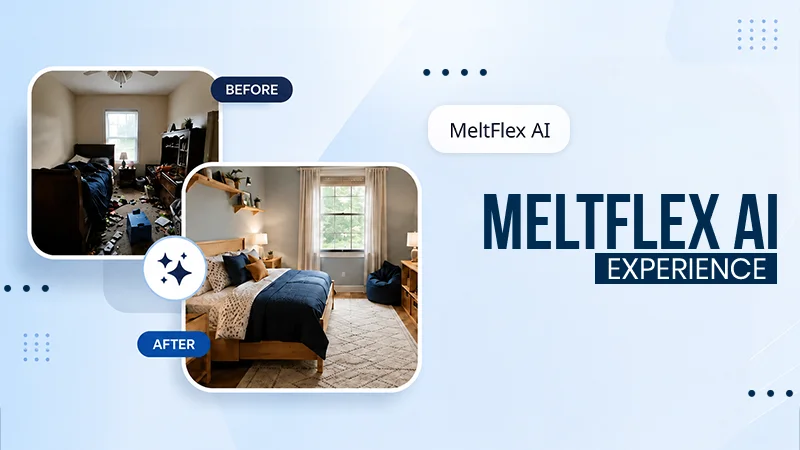
Have you ever tried to redesign your kid’s bedroom? I have, and it is really not as easy as it seems at first. Finding the best fit for furniture and more while managing the budget is not that easy. Like every other parent, I also wanted my kids’ room to be unique, which more represents their personality. And I actually did not want to pay for the interior designers.
Indeed, I made it. You know how? With MeltFlex AI – an AI interior designer app that helps turn random room images into personalised ones. It critically evaluates the needs and provides help within seconds.
Read more to see my honest experience after using it to redesign my children’s bedroom.
Key Takeaways
- MeltFlex AI is a modern tool that helps homeowners to transform random room images into realistic design concepts. All within seconds.
- The app might help with a better estimation, but it is always better to measure aspects with a tape and consider prices in the real world.
- Connected furniture suggestions can help to plan for better costs before making any purchase.

It is refreshingly simple, which for a family app subjects, because nobody in this house has patience for a fiddly 3D builder. You provide a photo of the room, tell it the room type, pick a style from a long list, modern, Scandinavian, coastal, mid century, Japandi, boho and many more, and within a few seconds the room comes back redone. Because it is that fast, the kids ran through their rooms through style after style without getting bored, which is the whole reason it helped as a joint project rather than an added task.
Another aspect that makes it truly appreciable is that it does not alter the room aspect, such as windows and doors. The fixed things will be in place only. This helps to avoid major renovations and shows respect to the present room that holds various memories.
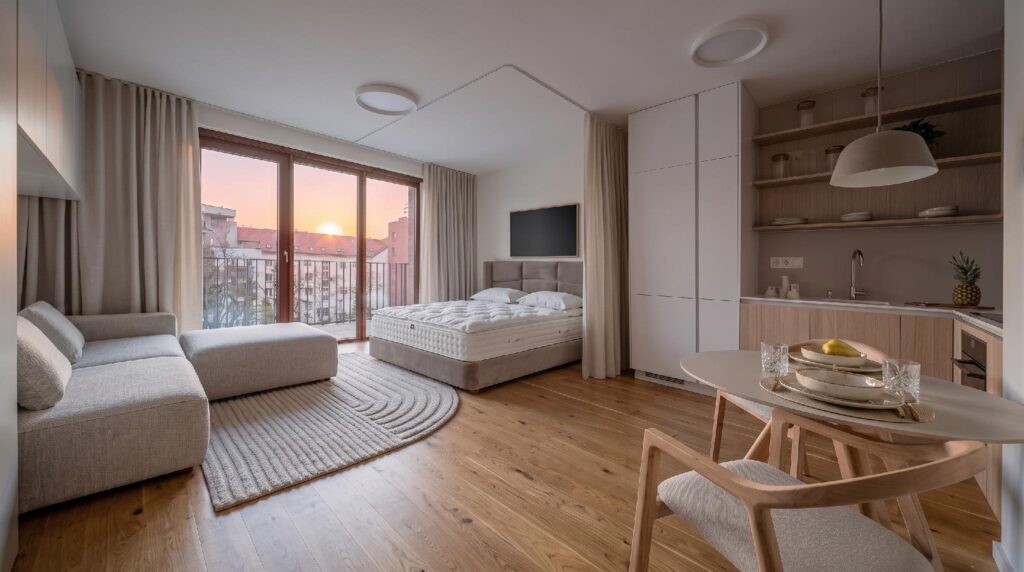
The after my son picked. Same window, same proportions, just furnished the way he wanted it.
Here is the bit I would tell other parents about. The furniture in the render is not dreamy stuff you can never find. The pieces are connected to real products from shops like IKEA, Amazon and Wayfair, with prices and links attached. So the nice picture doubles as a shopping list, and, crucially, a running total.
This integration is a huge money saver. My daughter actually got connected to a bed she saw online. Although it was through the app, it helped us to keep an eye on the process as well. We could actually consider whether it will be a great fit for our room and budget.
I did not have to be the bad guy. The render was. That is not a small thing when you know that size and fit is the major reason furniture gets sent back, behind well over half of all returns, and that seeing a piece in the room first cuts those size errors mainly.
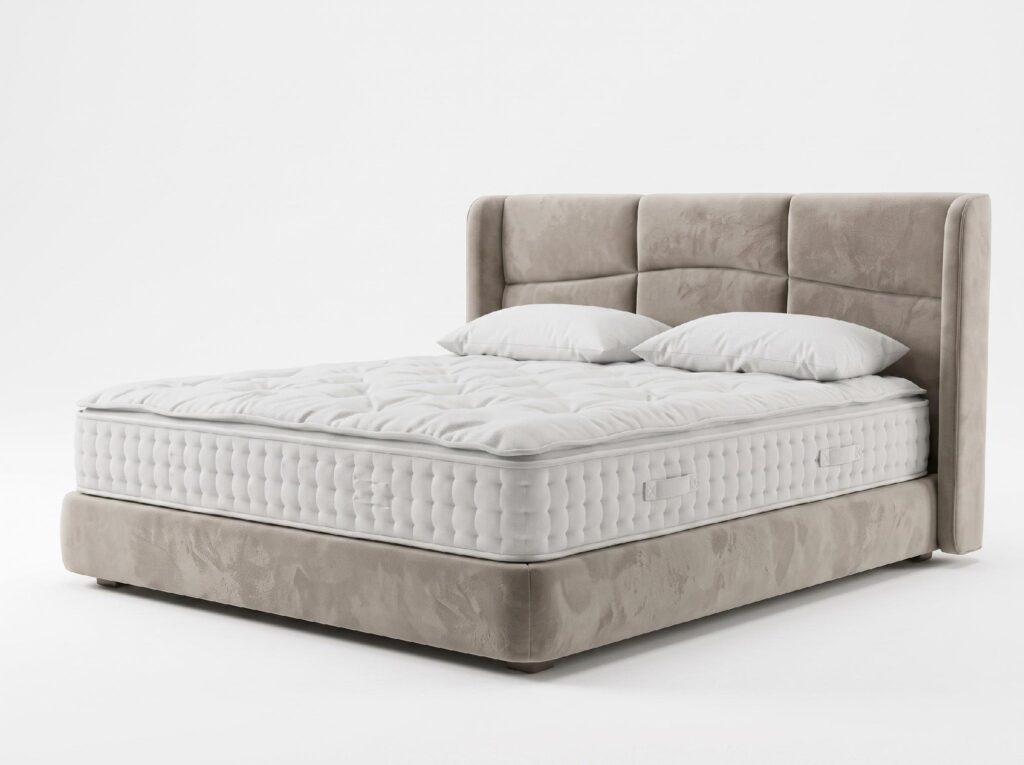
Every piece in the render links out to a real product with a price, so a mood board becomes a budget you can actually stick to.
I test apps for a living around here, so the caveats matter to me as much as the wins.
A clear strategy works here—if you provide a bad image to the app, it will serve you results that might not match your expectations. So if you want to get perfectly aligned results, it is better to provide realistic and considerable images, on which it is easy to work. And when you show that image to your kid, they definitely might not be impressed. Before taking a click, ensure proper lighting, open the windows, and then go ahead.
The furniture match is close, not exact. The app is honest that it shows the exact piece “or a similar product,” so the link you tap is not always the accurate item you saw on screen. Treat it as a strong shortlist to shop from, not an ensured basket.
Do not trust it to the centimetre. It takes small liberties with the space, and the “4K” label oversells a little, since the truly sharp output is closer to 2K, with the crispest version on the paid plans. It is a great starting direction, not a calculated plan, so I still got the tape measure out before ordering a wardrobe.
You can start free, which is the real way to see whether your kids even love it, though the free usage is thin, a render or two. Paid plans grow with how much you create, up to roughly 29 dollars a month at the standard tier and about 59 for pro, with the sharper renders on the higher plans and pricing that changes by region. For one weekend of redoing two bedrooms, the free tier plus a single paid month was enough. You do not need to keep upgrading after the project is done.
Also, explore Talkie AI – whether it is safe for your kids.
At the end of the day, MetaFlex is not a real-world replacement for an interior designer, nor is it a guaranteed way to achieve perfect results. Even after using it, you will need a tape measure before investing in the right aspects.
Above these aspects, it is definitely a great way to avoid stressful trial-and-error methods. After getting the personalised room images and material considerations, it is better to critically consider budgets before blindly relying on the tool.
MeltFlex AI is an AI-powered interior design platform that creates realistic room redesigns.
Yes, the interface is very simple. Simply share instructions and upload a room photo.
No, it is not advised to rely completely on AI tools. It is a great way to consider budgets and products in different sites.