The best practices for internet safety are to use a strong password, enable multi-factor authentication, and back up data.

Solid digital security helps you lock down your personal data with strong encryption, strict privacy settings, and active threat monitoring. It guarantees solid internet safety. If you set up these foundational defenses, it helps avoid financial theft and devastating identity fraud.
Navigating modern web safety can be difficult for busy students and professionals. Much like overwhelmed college students rely on the paper writing service DoMyEssay.com for rapid academic relief, smart internet users rely on automated security tools to manage their digital lives effortlessly.
Generating passphrases of at least sixteen characters efficiently neutralizes modern brute-force hacking attempts. A long string of random dictionary words is actually harder for a computer to crack than a short password packed with special symbols.
Avoid depending on memory alone to track dozens of complex login credentials across your accounts. Hardware and software password managers securely store all your unique codes behind one heavily encrypted master key.
This digital vault removes the dangerous habit of reusing the exact same password across multiple websites. If one specific retail site suffers a big data breach, your other accounts remain completely untouched.
Identifying malicious emails needs checking the actual underlying sender address instead of trusting the visible display name. Cybercriminals easily spoof corporate logos and standard email templates to make you click fake login links.
These sophisticated attacks often manufacture a false sense of extreme urgency. They threaten immediate account deletion or promise unexpected financial rewards to force quick, impulsive action from the victim, making internet safety for teens especially crucial as they learn to spot digital deception.
Look out for these common visual clues when scanning your daily inbox messages for potential threats:
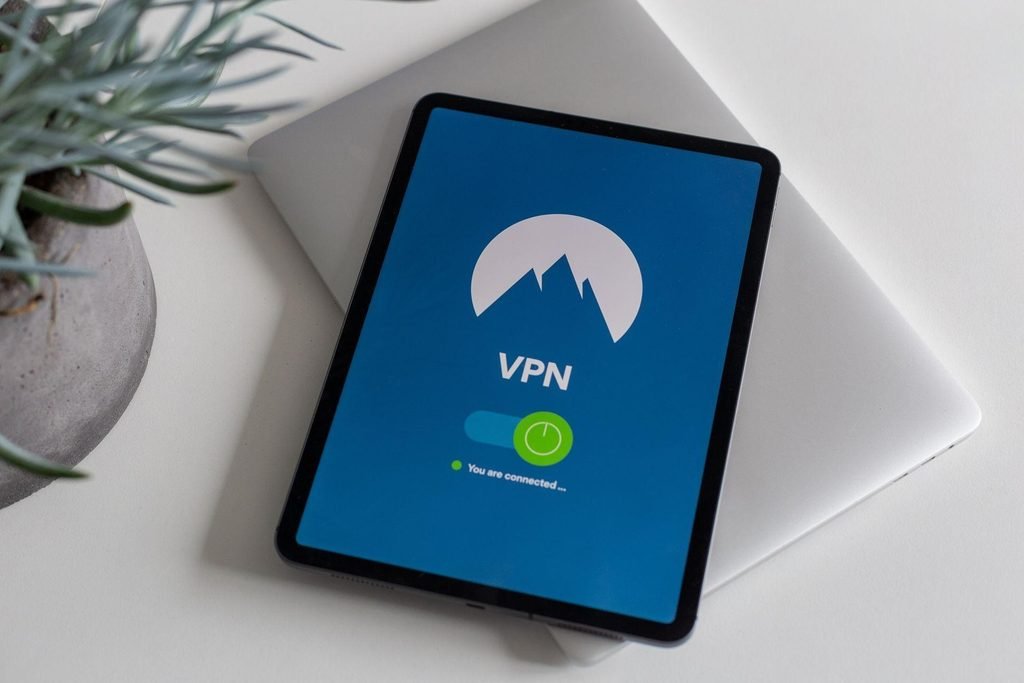
Routing your mobile traffic through a Virtual Private Network (VPN) stops strangers from intercepting your private data on public Wi-Fi networks. Coffee shop and airport networks often lack the built-in encryption needed to protect your banking details.
Without a protective digital tunnel, anyone sitting close with free packet-sniffing software can monitor your real browsing activity. A reputable VPN checks this outgoing data into unreadable code before it ever leaves your smartphone or laptop.
Installing software updates quickly patches known security vulnerabilities before cybercriminals can actively exploit them on your device. Developers release these important patches specifically to close newly discovered backdoors in their underlying code.
If you ever wonder why internet safety is essential, consider that ignoring these frequent update prompts leaves your digital front door wide open to automated malware attacks. Hackers actively search the internet for users still running outdated, unprotected software versions.
You can entirely remove this risk by enabling automatic background updates across all your primary devices. This ensures you always run the most recent defensive security protocols without having to lift a finger.
Revoking unwanted background permissions stops mobile applications from secretly tracking your physical spot and audio conversations. A simple calculator app never legitimately needs active access to your smartphone microphone, camera, or contact list.
Developers harvest this background data to sell specific targeted advertising profiles to third-party data brokers. Taking control of your privacy settings quickly cuts off this unauthorized flow of personal information, which is also a basic step in managing internet safety for kids using smart devices.
You should periodically audit your smartphone settings and disable these specific hardware features for most downloaded apps:
Activating two-factor authentication forces attackers to provide a secondary physical approval code even if they successfully steal your password. This single extra security layer completely blocks the majority of automated credential-stuffing attacks.
Standard SMS text messages are the most common verification method, but they stay vulnerable to cellular SIM-swapping scams. Dedicated authenticator apps provide much stronger security by generating offline, time-sensitive codes directly on your own device.
Hardware security keys provide the absolute highest tier of account protection available in 2026. These physical USB drives must be physically touched to give access to any new device login, making remote hacking virtually impossible.
Comparison of common two-factor authentication methods
| Authentication method | Setup complexity | Account recovery difficulty | Relative hardware cost |
| SMS text codes | Minimal | Easy | $0 (Uses existing phone) |
| Authenticator apps (TOTP) | Moderate | Moderate (Requires backup keys) | $0 (Free app download) |
| Hardware security keys (FIDO2) | Moderate | High (Requires spare physical key) | $25–$60 per key |
Source note: Evaluation criteria adapted from NIST Special Publication 800-63B digital identity guidelines.
Restricting your social media profiles to friends-only helps prevent hackers from scraping your posts to answer standard account security questions. Sharing your childhood street name or your first pet’s name publicly gives criminals the exact keys required to hijack your bank account.
Social engineers use this easily accessible biographical data to impersonate you during phone calls with customer service representatives. They can successfully bypass standard security checks simply by reciting facts directly from your public timeline.
Implement these strict internet and online safety rules quickly to protect your digital identity from online data scrapers:
The best practices for internet safety are to use a strong password, enable multi-factor authentication, and back up data.
The 5 C’s in security are change, compliance, cost, continuity, and coverage.
The four D’s of security are Deter, Detect, Delay, and Deny.