
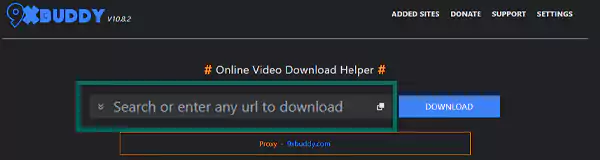
You just have to paste the video URL link in the space given and click the Download button. Choose the video format and quality, and download it.

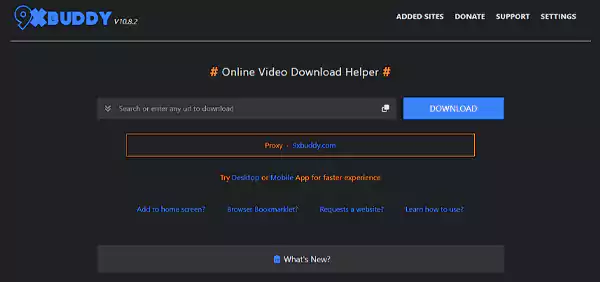
Isn’t it worthwhile to use a website that can help you download from popular platforms for offline viewing? 9xbuddy can serve you right and is easily available online.
Unfortunately, the site is flooded with weird pop-ups that put your system and personal security at risk. So, in that case, it is better to consider some of the 9xbuddy alternatives.
That said, I will mention everything from the basics of this platform to its best alternatives. Read on!
9xbuddy Video Downloader is a popular website that allows you to download content from various popular websites like YouTube and social media platforms like Facebook. With 9xbuddy, you can download both videos and audio from the sites it supports.
In addition, it allows you to download videos in the MP4 format with various resolutions like 360, 480, and 720p. Though it is possible to download videos in 1080p, they won’t have the audio.
On the other hand, the audio downloader downloads 144p audio in the m4a format. However, you can’t download any audio in MP3 format.
Yes, 9xbuddy is safe to use. But I understand your concern whenever you visit a site that lets you download audio/video files for free. Most of these sites are full of pop-ups that often lead to malicious websites. Some people even have Microsoft Defender disabled for certain reasons, which increases the risk of their system being affected by a severe virus.
Now, when it comes to the question of whether 9xbuddy is safe to use or not, you can look at some official sources to find out. Note that there’s no official 9xbuddy app; you’ll just have to visit the site and download the video.
According to Scamadviser.com, the 9xbuddy YouTube video Downloader
is safe to use and not a scam website. Even the Google Transparency Report states that “no unsafe content found” on this website. Nevertheless, the website shares no information about the owner, and the registrar of this website is popular amongst scammers. So, it is easier to say that this website is not as safe as one might think.
| Trust Score: 1.5/5 |
This Trust Score rating given by Radarro is a second opinion and has been taken from ScamAdviser.com.
Using 9xbuddy to download any audio/video file is a piece of cake. All you need to do is follow these three steps:
If you’re not able to open 9xbuddy on your browser, try using a VPN for streaming services.
From high-speed downloads to cross-platform compatibility, the 9xbuddy offers a vast range of features to facilitate a seamless video downloading experience. Here’s a comprehensive analysis of the distinguishing features of 9xbuddy!
Despite the fact that 9xbuddy is easy to use, it might fail to meet your requirements on quality. So, you can go through the list of some of the best 9xbuddy alternatives you can consider.
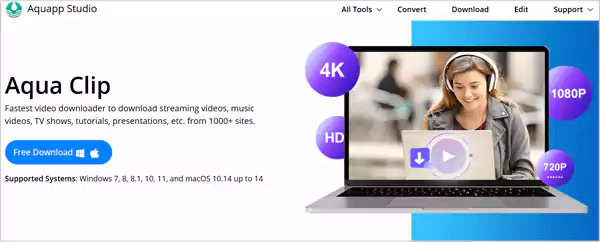
If you’ve been searching for a safe and reliable 9xbuddy alternative, Aqua Clip is the best option. It comes with a quick mechanism and downloads the videos at a 6x speed than the 9x buddy video downloader. In case, you’re wondering about your internet speed, you must go through how internet speed tests work.
Moreover, you can even download videos in HD formats that include 1080P and 4K as well.
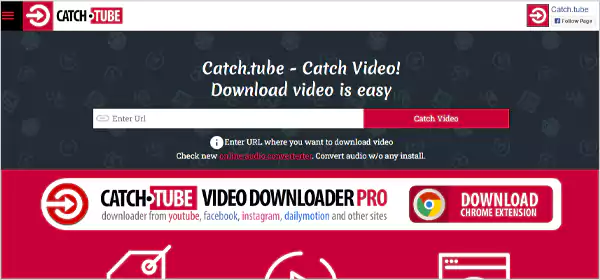
Catch Tube is not that popular among online video downloading sites but is rated highly as a reliable 9xbuddy replacement. The site is easily accessible through any web browser and allows you to download videos in high definition.
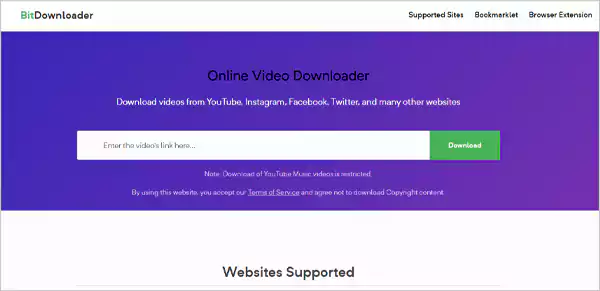
BitDownloader is a worthy competitor of 9xbuddy, as it also can download any video from almost every social media platform. Also, it allows you to download videos from NFSW sites. In addition, you can save any videos in download ranges from 144p to 4K.
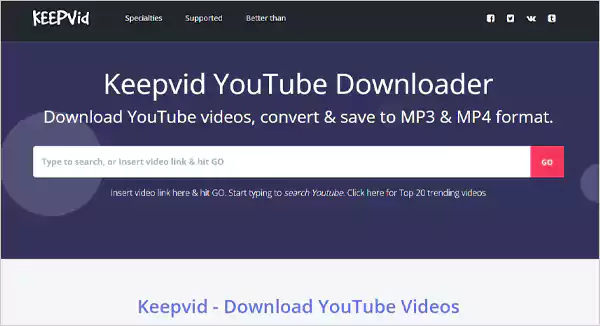
Keepvid is one of the OGs and has been running for a long time. It allows you to download videos from various sites, including Facebook. You can search videos by either typing a keyword or just entering the URL of the video you want to download.

Yout is another similar site to 9xbuddy, but only supports YouTube. It can download anything from videos to movies in just one click. All you need to do is paste the link and click the “Go” button. Moreover, you can choose the format and the quality you want for the downloaded video.
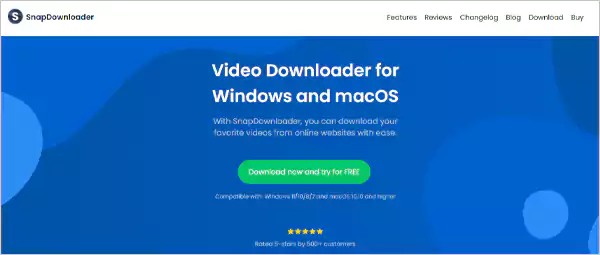
SnapDownloader is one of the underrated gems you’ll find on the internet. It takes one step ahead of its competitors by providing the option to download videos with subtitles. Moreover, you can download any video in formats such as AVI, WMV, MP4, etc., and full HD.
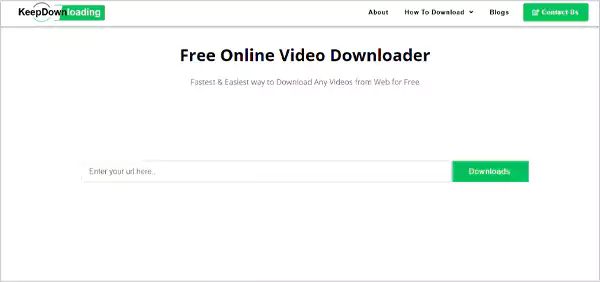
Keep Downloading is easy to use and will let you “keep downloading” videos in MP4 and M4A. It supports websites like Dailymotion, Facebook, YouTube, Liveleak, and more. Best of all, it is free of cost and won’t even require you to create an account. However, there are no search methods; you can only paste the URL and download the video.
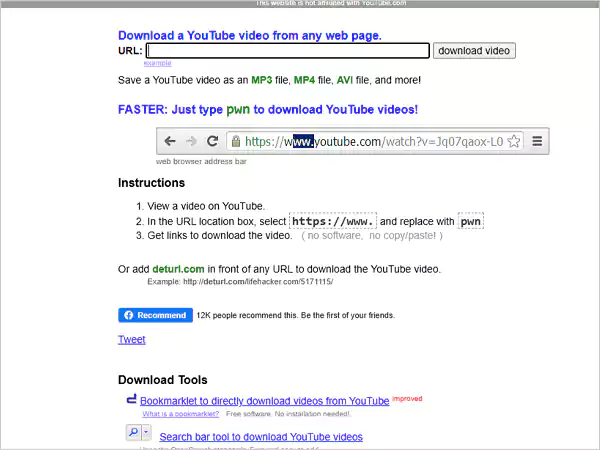
Detrul is a simple online video downloader that allows you to download YouTube videos by pasting the URL link in the section available. You can download the video as FLV or MP4 and even convert it to an MP3 file. Nevertheless, the site is only effective if you want YouTube videos only.
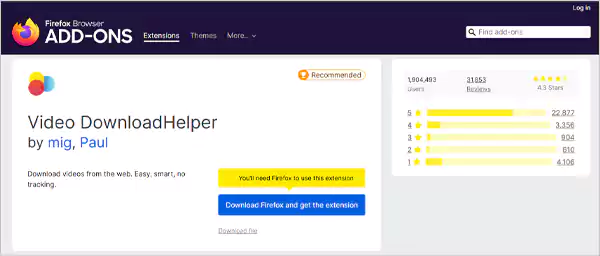
Video DownloadHelper is not a website, but a Firefox extension that can download videos and images as well. It supports popular sites like YouTube, DailyMotion, Google Videos, etc. Moreover, it offers the option to convert a video in various formats.
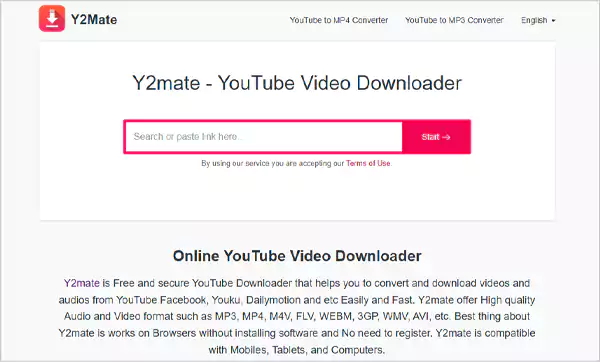
Y2Mate is an online video downloader and a reliable alternative to 9xbuddy. It allows you to download YouTube videos for free and gives the option to save them in various formats. There’s no need to sign up, and the site is compatible with mobiles, tablets, and computers.

Launched in 2009, YouTube Downloader is another prominent online video downloading tool that enables you to save videos from YouTube for offline streaming. You just need to paste the link in the respective column and hit the Download option to successfully save a video. It offers a vast range of formats, including 4K, 3GP, and mp4.

AceThinker offers a comprehensive set of video downloading tools, which makes it one of the suitable 9xbuddy alternatives. It supports video downloading from many renowned video streaming applications and social media platforms like FaceBook, Twitter, YouTube, and Instagram. Furthermore, it has a no-registration policy and doesn’t mandate the paid subscription.

SaveFrom.net is a popular 9xbuddy alternative that also has a browser extension version to facilitate easy download. This platform was launched back in 2008 and since then it has been a renowned choice for downloading HD quality videos across the internet through URLs. Copy and paste the link in the Download box and the content will be ready for offline streaming in the blink of an eye.

ClipConverter.cc provides for a faster and easier video downloading service. It supports multiple file formats, which means the quality of the video won’t be compromised during the process. Additionally, it has a browser add-on version for famous browsers like Chrome and Safari. Here you can download videos in several audio and video formats that include avi, mp3, mp4, 3gp, etc.

Video Downloader Pro is a classic content downloading software that enables you to download your favorite music and web videos from any social media or video-streaming platform. All you have to do is copy the video URL, paste it in the search box, click on the magnifying glass icon, and select the video quality.
Though free and anonymous video-streaming platforms seem like a safe deal, you should never blindly trust any website without cross-checking its legitimacy and authenticity.
The following are some safety and privacy measures that you should strictly adhere to in order to keep your data protected and privacy intact.
In this fast-paced digital world, no one can guarantee your online safety. That’s why here I’ve mentioned some tips that will help you effectively use 9xbuddy and its alternatives.
You just have to paste the video URL link in the space given and click the Download button. Choose the video format and quality, and download it.
9xbuddy supports mostly popular websites like YouTube, Vimeo, Facebook, Dailymotion, and many others.
The site does not have any specific limitations. However, you may face a bit of delay depending on the video source.