Yes, generally, when it’s your own minor child’s device or account, and you’re following your local laws. Using tracking apps on someone else’s phone without their consent is a different, and often illegal, situation.


Here’s something literally nobody tells you before you become a parent of a kid with a phone: the moment they get one, a small part of your brain never fully switches off again. Where are they? Who are they talking to? Are they okay? A phone tracker won’t answer every question that keeps you up at night, but it does take the edge off—and honestly, that’s what most parents are really looking for.
Before you install anything, it’s worth doing a bit of homework rather than grabbing the first app in the store. A lot of parents end up browsing places like phone tracking forum where people just talk honestly about what they’ve tried — what broke after a software update, what customer support was actually like, that sort of thing you won’t find on a sales page. It’s not glamorous
reading, but it’s often more useful than any review roundup, including this one.
With that established, here are seven phone trackers that could be a real help in 2026.
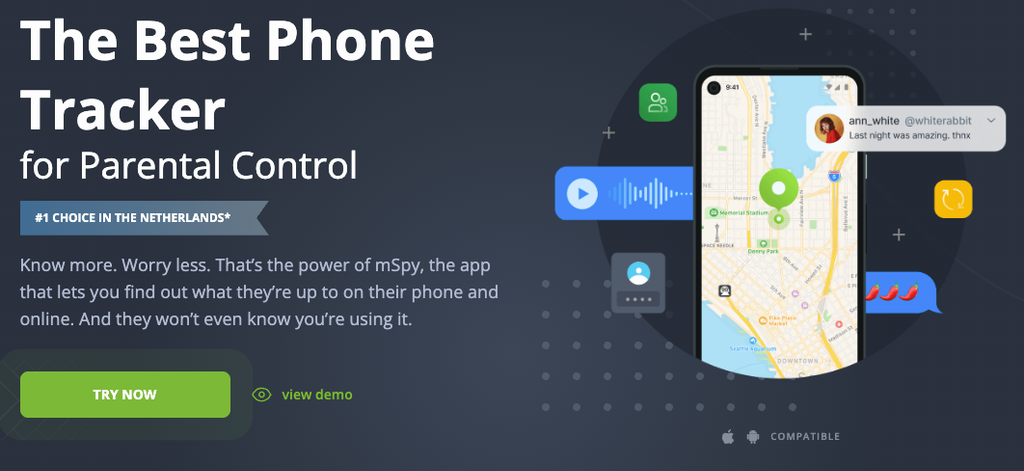
If you want full acess of picture, messages, location, app activity- all of it, mSpy is what you should use. It’s a full monitoring tool, exactly what a lot of parents are looking for.
Key features: real-time GPS location, message and call log access, social media monitoring, app usage reports, remote dashboard access.
Price: Premium plan from around $11.67/month on the 12-month term (about $140/year), or $13.99/month for the Extreme plan with remote camera/mic access; month-to-month runs closer to $48.99.
For something a bit more moden us eyezy— the app itself is pretty nice to use, something that will matters whenare goona check it every day. It has the basics: location, browsing, social apps. etc
Key features: location history, social media and browsing activity, keyword/content alerts, clean mobile-friendly dashboard.
Price: Premium plan from about $7.99/month on an annual term (or $38.39/month billed monthly); the Ultra tier with more features runs from around $19.99/month annually.
Use mSpy and Eyezy together, as they are the two most complete options here if you want real visibility.
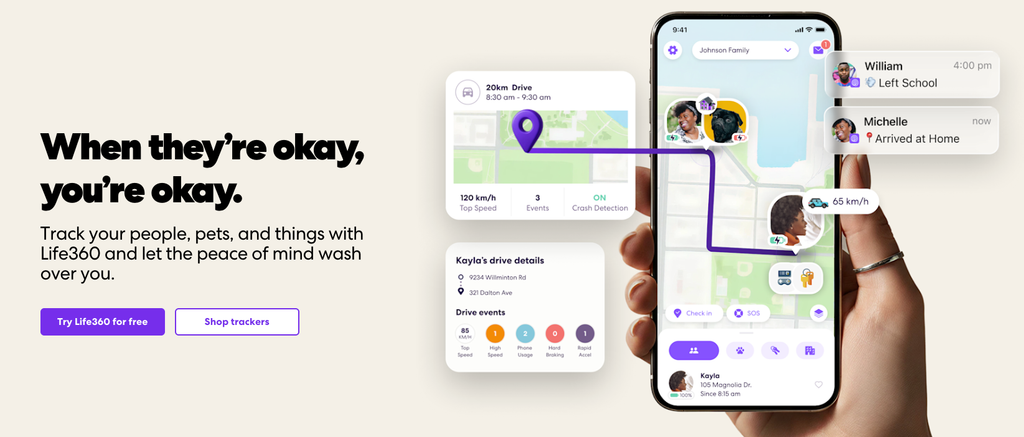
Life360 is not a full monitoring app, as it’s just a basic location-sharing app, which is what some people want.
Key features: real-time location sharing, driving reports, location-based alerts (“Circle” arrivals/departures).
Price: free tier available; Silver $7.99/month, Gold $14.99/month, Platinum $24.99/month — each covers the whole family circle, not per person.
Google Family Link comes built into Android, and it can still do a lot. You get app approval controls, screen time limits, and location — not deep monitoring, but it should be enough for younger kids.
Key features: app download approval, screen time limits, general device location, remote lock.
Price: free.
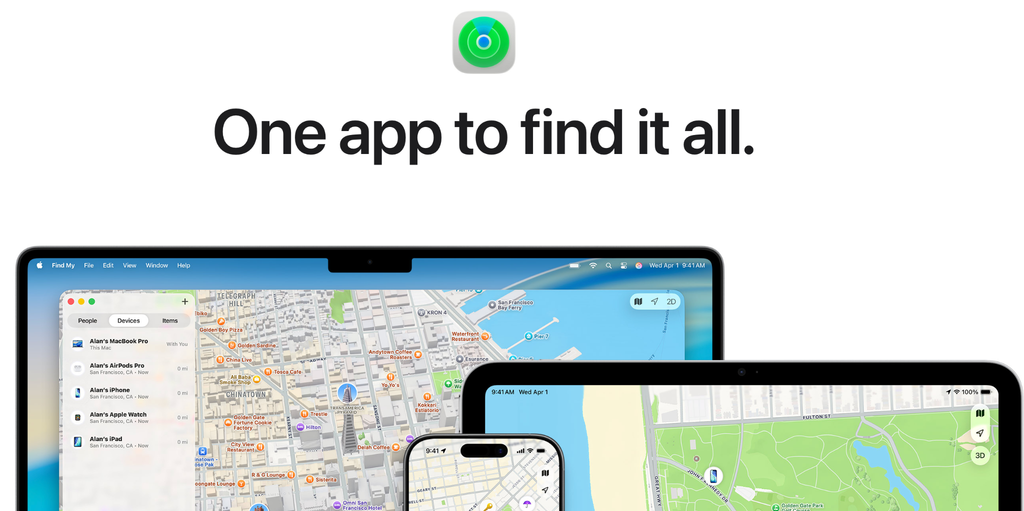
If your family’s all-iPhone, then you can just use this one as it’s already on your device. It won’t tell you what your kid is texting, but it’ll tell you their location in real time, which still relieves a lot of parents’worrys.
Key features: real-time location, “Find My Friends” family sharing, lost-device locking.
Price: free (built into iOS).
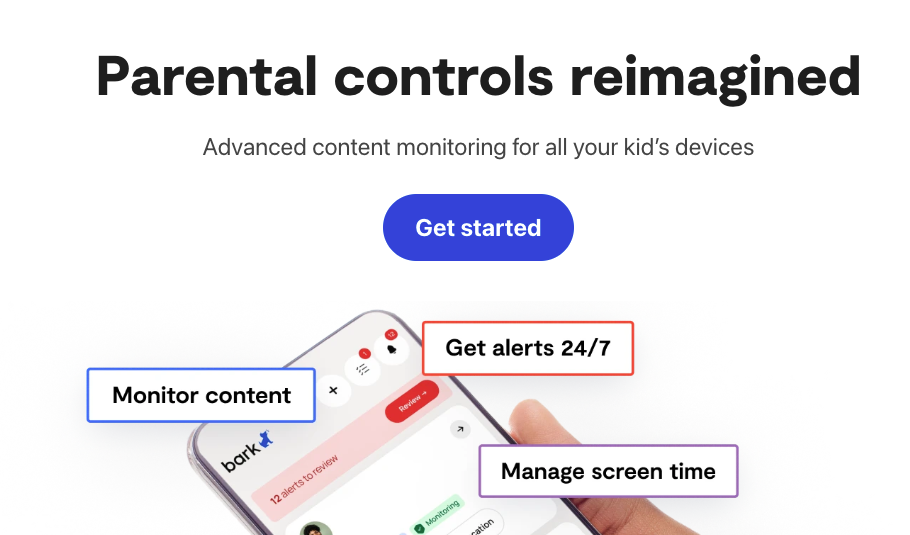
Bark works a little differently than others; it doesn’t just hand you raw messages,s but it actively scans for any warning signs (bullying, self-harm language, predatory contact) and only then alerts you when something is detected. Feels less like snooping, more like a smoke detector.
Key features: AI-based content monitoring across texts/email/social apps, alert-only system, screen time tools.
Price: $14/month, or $99/year on the annual plan, with a 7-day free trial.
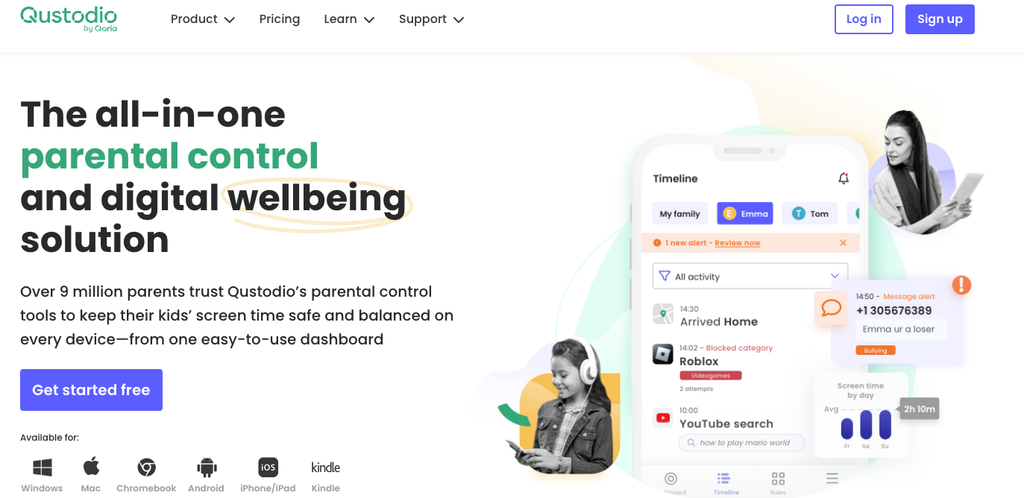
Qustodio is best at covering a lot of devices and a lot of kids from one account, which will matter a ton for families with more than one kid. It has content filtering, activity reports across all devices, and all the basic stuff.
Key features: screen time scheduling, web content filtering, activity reports across devices, multi-child profiles.
Price: Basic plan $59.95/year (about $5/month) for up to 5 devices; Complete plan $104.95/year (about $8.75/month) for unlimited devices, adding call/message monitoring and YouTube tracking.
Honestly, it depends on what’s keeping you up at night. If it’s “I have no real idea what’s happening on this phone,” mSpy or Eyezy will give you the most complete answer. If it’s just “I want to know they got home okay,” Life360 or your phone’s built-in tracker is plenty. And if you’re more worried about someone hurting your kid than about reading every message, Bark’s quieter, alert-only approach might actually sit better with you.
Whatever you decide is up to you now, as you can always just change the app, but one thing to note is that it’s probably for the better that the kid at least knows about this monitoring; if you try to hide it, it only creates resistance and problems. When the thought of parental control comes up, balance and boundaries are necessary from both the kids’ and the parents’ side. Also, make sure the area you are living in allows for this level of monitoring under the legal guidelines.
Yes, generally, when it’s your own minor child’s device or account, and you’re following your local laws. Using tracking apps on someone else’s phone without their consent is a different, and often illegal, situation.
Not always legally required, but most people who’ve done this a while will tell you it goes better when you’re upfront about it.
Life360 is mostly “where is everyone.” mSpy and Eyezy go much further — messages, app activity, social media — for parents who want the fuller picture.
For a lot of younger kids, yes. Parents tend to move to something like mSpy or Eyezy once their kid is older and the stakes (and secrecy) go up.