For content creators and small business owners, the demand for compelling visuals is relentless. Whether you’re sourcing images for a blog post, designing social media graphics, or creating marketing materials, the need for high-quality imagery is constant. Yet, budget, time, and a lack of professional design skills often stand in the way. This is where Banana Pro comes in—a platform designed to make professional-grade image creation accessible to everyone.
This article isn’t just another tool review; it’s a practical starter guide. We’ll walk through how to use Banana Pro AI effectively, share some lessons I learned the hard way as a creator, and help you skip the common frustrations so you can leverage AI to accelerate your content workflow from day one.
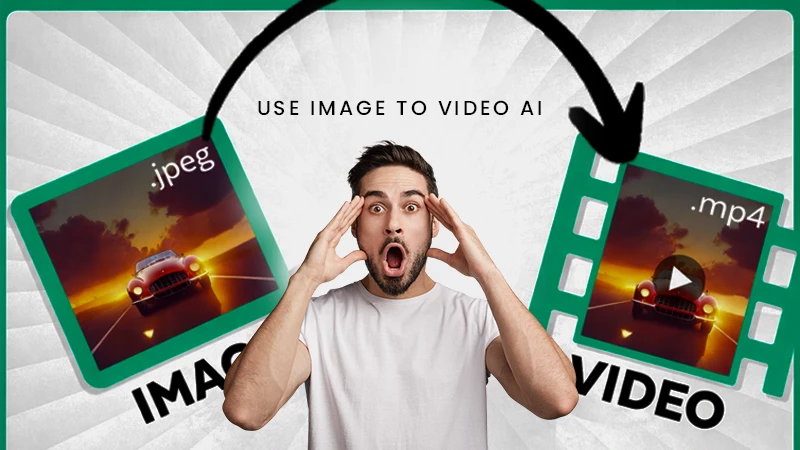
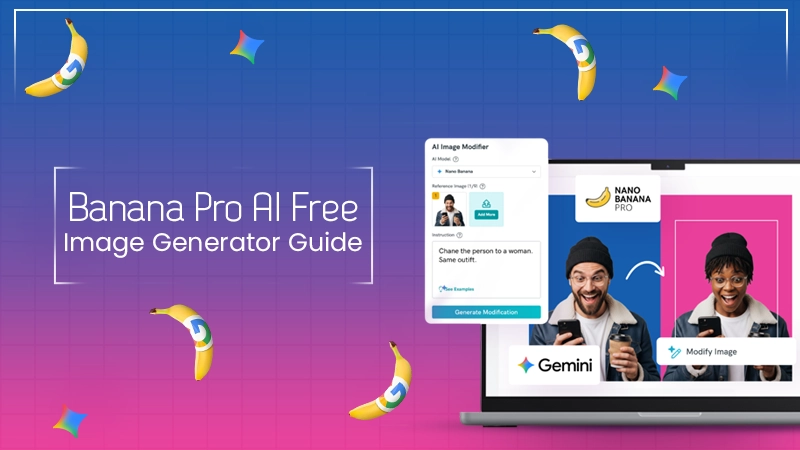
In simple terms, Banana Pro AI is a free online AI image generation tool. It offers two primary creation methods: Text to Image and Image to Image. You can generate entirely new, original images by describing them in text, or you can upload an existing picture and have the AI transform it into a different artistic style or modify its elements.
What sets it apart from many other tools is its core value proposition: ease of use, generation speed, and completely free commercial usage rights. This makes it an ideal choice for creators and freelancers on a tight budget who need a solution that delivers results quickly without a steep learning curve.
The workflow in Banana Pro AI is designed to be incredibly intuitive, removing technical barriers so you can focus on your creative vision. Even if you’ve never used an AI tool before, you can get started in minutes.
Once you’re on the platform, your first choice is whether to start from scratch or build upon an existing image.
After you submit your description or image, the advanced algorithms of Banana Pro AI get to work instantly. According to the official information, this process is remarkably fast, with Text to Image generations taking around 8-12 seconds and Image to Image transformations happening in just 5-10 seconds. The AI analyzes your creative intent and begins generating the visual content pixel by pixel.
Banana Pro AI offers an extensive library of artistic styles and presets. You can choose from photorealistic, anime, watercolor, or minimalist designs, among many others. The platform often generates multiple versions at once (batch generation), allowing you to compare and select the result that best matches your vision. This is a process of iteration and refinement, where you can tweak your prompt or style until you’re satisfied.
Once you’ve landed on the perfect image, you can download a high-resolution version directly. Critically, every image created with Banana Pro AI comes with full commercial usage rights, meaning you can confidently use it in any commercial project without worrying about licensing fees or copyright claims.
When I first started using AI image tools, I went through a period of frustration where the results just felt “off.” To help you leapfrog that stage, here are the three most common mistakes I see beginners make, along with actionable tips to fix them.
Mistake 1: Using Vague Prompts The easiest trap to fall into is giving a simple, one-word command like “a dog.” The AI will give you an image of a dog, but it will likely be generic and not what you envisioned.
A detailed prompt dramatically increases the accuracy of the output. You can use the Banana Pro AI chat assistant to help you build and refine your prompts.
Mistake 2: Giving Up After One Try AI creation has an element of randomness. Your first generation might not be perfect, but that doesn’t mean the tool isn’t working.
Mistake 3: Overlooking the Power of Image to Image Many users focus solely on Text to Image and forget about the powerful Image to Image feature. It’s more than just a style filter; it’s a tool for maintaining brand consistency and refining ideas.
To make this more tangible, I want to share my exact process for creating a feature image for a blog post about “remote work productivity” using Banana Pro.
This workflow shows how combining the different features of Banana Pro AI leads to efficient and precise creative outcomes.
For small businesses and freelancers, every dollar and every minute counts. Banana Pro AI delivers tremendous business value in several key areas:
Having tested numerous AI tools, I can confidently say that Banana Pro AI is one of the most beginner-friendly and value-packed options on the market today. It successfully combines powerful functionality with a simple, intuitive user experience while removing the two biggest barriers for creators: cost and licensing concerns.
If you are a content creator struggling with visual production, a small business owner looking to cut marketing costs, or simply an individual curious about exploring AI creativity, Banana Pro AI is absolutely worth your time. It’s more than just a tool; it’s a powerful partner that can turn your creative ideas into reality, fast.