No. To protect your device, ensure the application is a client-based VPN. Browser extensions will only protect your traffic within the browser or set proxy settings.

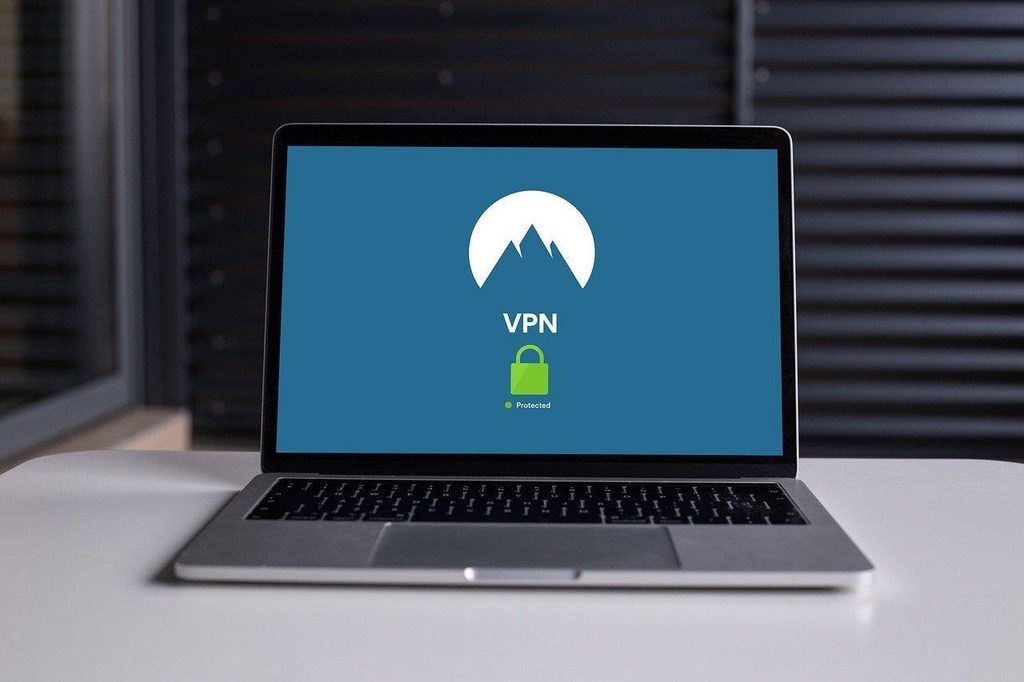
Even though adding a VPN extension may seem to give you privacy on this browser, it is important to be careful.
Different providers will handle the traffic differently on your device. In addition to having key browser functionality, these extensions have the power of proxy settings and browsing data.
To ensure this extension provides good privacy. Ensure that only necessary permissions have been given. Know what traffic is covered. Set up carefully. Ensure updates are applied. Lastly, test for IP, DNS, WebRTC and IPv6 leaks.
One of the most fundamental mistakes to watch out for when operating a VPN extension for Chrome.
These are the permissions the extension needs to function. You should never blindly click on „Add to Chrome“ without first reading out the permissions the extension requires in order to function.
If an extension, for example, requires access to your contacts or wants to read and change all your data on all websites, then this is most absolutely a red flag to choose.
Most VPNs, regardless of whether they offer a free version or not, vary greatly when it comes to features.
The encryption that they use, the level of logging that they do, and whether or not they have features to defend against leaks.
Be sure to do plenty of research on a VPN before you sign up for a free VPN that could offer insufficient security and potentially have bunches of ads.

Another common mistake amongst Chrome users is not setting up all of the features It provided by the VPN in the Chrome extension that you use for VPN protection.
Many of the extensions provide options for kill switches, split tunneling and more. When a VPN connection goes down, your real IP address could be revealed if you have not set up the kill switch correctly in the extension you are using for VPN safeguard in the Chrome browser.
Users typically rely on their VPN extension for Chrome to provide anonymity and security on the Internet.
In order to provide full protection online, the extension should not be the users’ only tool to achieve online security.
This is why other tools should be installed in the users’ browsers.
Some samples of these tools are the HTTPS Everywhere extension as well as the various settings that can be adjusted to enhance the browser’s privacy. As part of a complete set of online security tools, the VPN extension will prove useful.
Upgrading VPNs is as important as other programs online. Most VPNs will automatically update.
We recommend setting a reminder to look for upgrades now and again to help protect yourself from online threats that have been fixed in newer versions of the software.
One of the biggest errors made by users is failing to test for leaks. They are using their VPN extension.
This includes searching for your IP address as well as looking for any DNS leaks.
Even when a VPN extension is active, there is a high probability of your IP address or DNS demands being exposed, which would defeat the purpose of using a VPN in the first place.
Leaks can be found by using a mixture of online tools. It’s best to try your VPN periodically for leaks.
Avoiding these common errors ensures that using a VPN extension in Chrome will be perfectly secure. Users just have to pay attention to the necessary standards and limits of VPN assistance.
With existing threats to web browsing safety in place, being conscious and using best practices online will make a big difference in guarding users’ online data and security.
No. To protect your device, ensure the application is a client-based VPN. Browser extensions will only protect your traffic within the browser or set proxy settings.
If you are confident in the developer, and it is required to have access to many websites, then yes. Check which permissions it requires and ensure that it only has access to what it needs to function.
Yes. Leaks can occur through DNS, WebRTC, IPv6, and bypass rules. Ensure that your IP, DNS and WebRTC settings are correct to confirm the right path is being used via your desired VPN.