AI is becoming a powerful force in video creation, allowing easier, faster, and more accessible video production – without compromising quality.

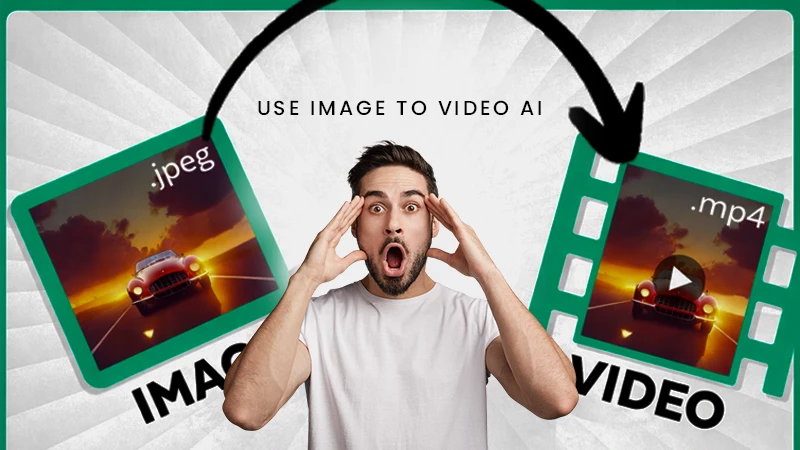
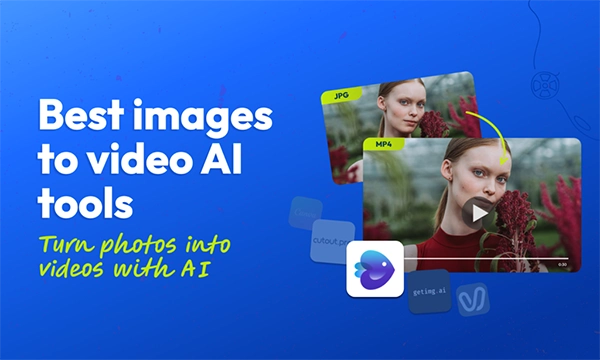
Social media trends and technological advancements have made the image to video transition an easier and more seamless task, but how to use it securely, so your data remains safe is an important question.
Especially when with AI as an assistant, the transitions from simple static images to engaging and attractive videos have become smoother and more efficient.
So, if you want the transformation from boring images to appealing videos, here is a guide that is going to help you achieve that, too, in a safe and secure manner.
Key Takeaways
- Building an understanding of Image-to-Video AI from the basics
- Step-by-step guide for a trouble-free photo-to-video transition
- Knowing the platforms that build your privacy
- DOs and DON’Ts while using AI
- Checklist for simple, safe working on AI
To begin with, you first need to understand how Image -to-Video AI actually works
Image-to-Video AI is the technology that works seamlessly to convert images to dynamic videos.
The use of technologies such as Convolutional Neural Networks and Generative Adversarial Networks helps in adding motion effects, voiceovers, and visual effects, etc making the videos feel alive.
The diffusion models further improve the quality of videos, making them look rich and attractive.
It is a favourable option for influencers, brands, marketing geniuses, and business houses.
Moving ahead, the main question that arises is how the conversion from image to video happens.
The procedure of transition from image to video involves 4 key steps:
To begin with, the user uploads an image or several images, which are then processed by AI, identifying their shape context, texture, etc. Then, a text prompt is provided by the user, which is used in the final video.
Further, AI uses algorithms such as Visual Transformers to identify patterns and generate new visual content. This not only ensures adding new effects to your images but also makes them authentic.
Ultimately, the video generation begins with adjoining frames of your choice, ensuring an elegant transition, even providing you with options to add motion effects, voiceovers, subtitles, etc., to make it more engaging.
As a result, you get a video with uploaded images, motion effects, and voiceover, which can be used to serve different purposes such as brand promotion, marketing, personal uses, etc.
Towards the end, you receive a high-quality, well-edited, and engaging video as a result.
When uploading your personal images or photos of your brand. Privacy becomes a major concern.
Especially when, in 2024, approximately 60% of individuals reported encountering at least one deepfake video online.
Picking a platform with strict privacy guidelines becomes important. Some of these platforms are :
| Platform | Features |
| Image2Video.ai | Specialised in image-to-advanced video transformation with the latest AI technology |
| Google Veo | High-quality videos and image generation |
| Runway | Cinematic video creation and advanced editing |
| Luma Dream Machine | New and creative video ideas |
| Adobe Firefly | Makes commercially safe videos |
| Vyond | Creates animated prompts and videos |
Sharing sensitive and personal content while using AI technology is a big NO!, as it involves risks such as leaks, identity theft, and exposure.
Here is a checklist that depicts the cases where sharing data could turn harmful:
In order to ensure better security for your account, you should follow some key steps such as :
These steps ensure layers of protection for your account, reducing data breaches and sensitive information theft, and improving security.
A smart move towards having an account for better security is staying constantly informed.
For example, revisiting your data in shorter time spans provides you with the information on whether or not your data is being used for other purposes.
Ensuring updated privacy and security features can further protect your account from any cyberattack.
Fun Fact: The AI market is growing at a compound annual growth rate (CAGR) of 37.3% from 2022 through 2030.
To keep your data safe and secure, here’s a practical checklist you can follow :
Summing up, Image-to-Video AI is an efficient technology that turns the complex task of video editing into a simpler model using artificial intelligence. And that too at a faster, easier, and more affordable rate.
Especially with content creation and online data consumption rising at such high levels, such tools can be a game-changer in the tech world.
AI is becoming a powerful force in video creation, allowing easier, faster, and more accessible video production – without compromising quality.
By training on large datasets, machine learning algorithms learn patterns and correlations that allow them to generate visually coherent videos.
Click ‘Try Vidu’ to enter the dashboard and select ‘Image to Video’. Upload your first image as the starting frame. You can also add a second image as the ending frame.
It allows for faster and more cost-effective video production, as AI algorithms can generate content at a much faster pace than human editors.