Real-time GPS applications such as Life360 will consume more battery, but the latest low power enhancements will now allow users with any 2020 device to run longer without being charged.

When you’re a parent, you sometimes think about whether having a smartphone and using it would cause stress to your child. Although there will always be things that a smartphone can do wrong or put your child in a bad situation, there are also some safety-related benefits you should consider.
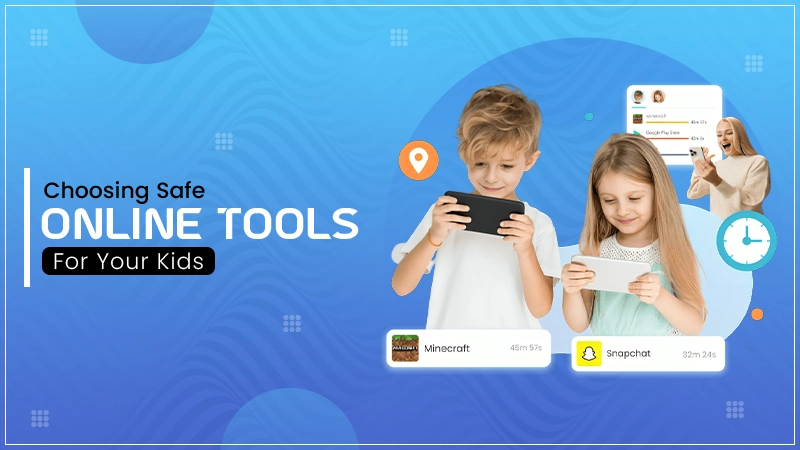
Since smartphones will be in your child’s life forever, it makes sense to introduce them to your child now, so they become more familiar with them. There are some apps that you may want to try as a way to help you with this transition and give parents a way to care for their children without being an intruder in their lives.
Key Takeaways
- Choose apps that offer a mix of location tracking, content monitoring, and screen time management.
- Prioritize features like SOS alerts and crash detection for older children who are becoming more independent.
- Opt for alert-based systems like Bark that only notify you of high-risk content, preserving your child’s daily privacy.
As a parent, you might look for reassurance that your child has actually arrived at the place they claimed to be heading to, or to notify you when your child wanders off in a different direction. Life360 is a tracking app that will allow you to do that.
When your child reaches the age when you can no longer monitor their activities, you can rest assured that you have a way to ensure their safety through the use of this application. There are many valuable features of this app that could give you peace of mind as your teenager is growing up; these include SOS alerts, crash detection, and more.
If you are using an iPhone, then another option might be the Find My app, which does much the same thing as Life360. Using this app will allow you to track your child by knowing where their devices are if they are lost. Also, this app is included in iOS so you won’t need to install anything else.
Interesting Fact
In 2026, 85% of parents report that using a safety app actually reduced family conflict by eliminating the need for constant “Where are you?” texts.
Although there are some flaws in the technology that powers this app, parents should consider it as a solution particularly if they have concerns about their child displaying some unusual behaviour related to them constantly being absorbed by their cell phone.
Additional privacy measures, like a free VPN download, might also be appropriate. Just make sure that your children understand what a VPN is and how to get the best from it.
If you want to set limits on what your children can do with their phones, then Google’s range of options might be compelling.
Additionally, you will be able to place limits on the amount of time your child spends on their device as well as restrict the downloading of apps without obtaining your permission. In addition, this app will allow you to locate your child’s device if you cannot find it.
In 2026, the importance of smartphone security will come from a careful balance between safety and independence for your child. While apps, such as Life360 for physical safety and Bark for digital content, can provide you with peace of mind about how your child is using their phone, they also start conversations regarding digital responsibility and personal safety.
Other built-in options, such as Find My or Family Link, may also help you achieve this same balance for your child.
Real-time GPS applications such as Life360 will consume more battery, but the latest low power enhancements will now allow users with any 2020 device to run longer without being charged.
Popular applications like Apple Find My and Google Family Link provide end-to-end encryption so only the person who has access to their child’s location can view it.
Bark provides a “Bark Jr.” plan that offers basic filtering, while complete AI monitoring typically needs to be purchased through a subscription.
Most of these apps, including Family Link and Bark, have “uninstall protection” that requires a parent’s password to remove.